SolutionsSensor connections
Keep the sensors you have. Bring their readings in.
Where a building already has wireless pipe sensors, Ecohydro takes their readings alongside the manual checks, so one record covers both. We don’t sell, install or manage hardware.
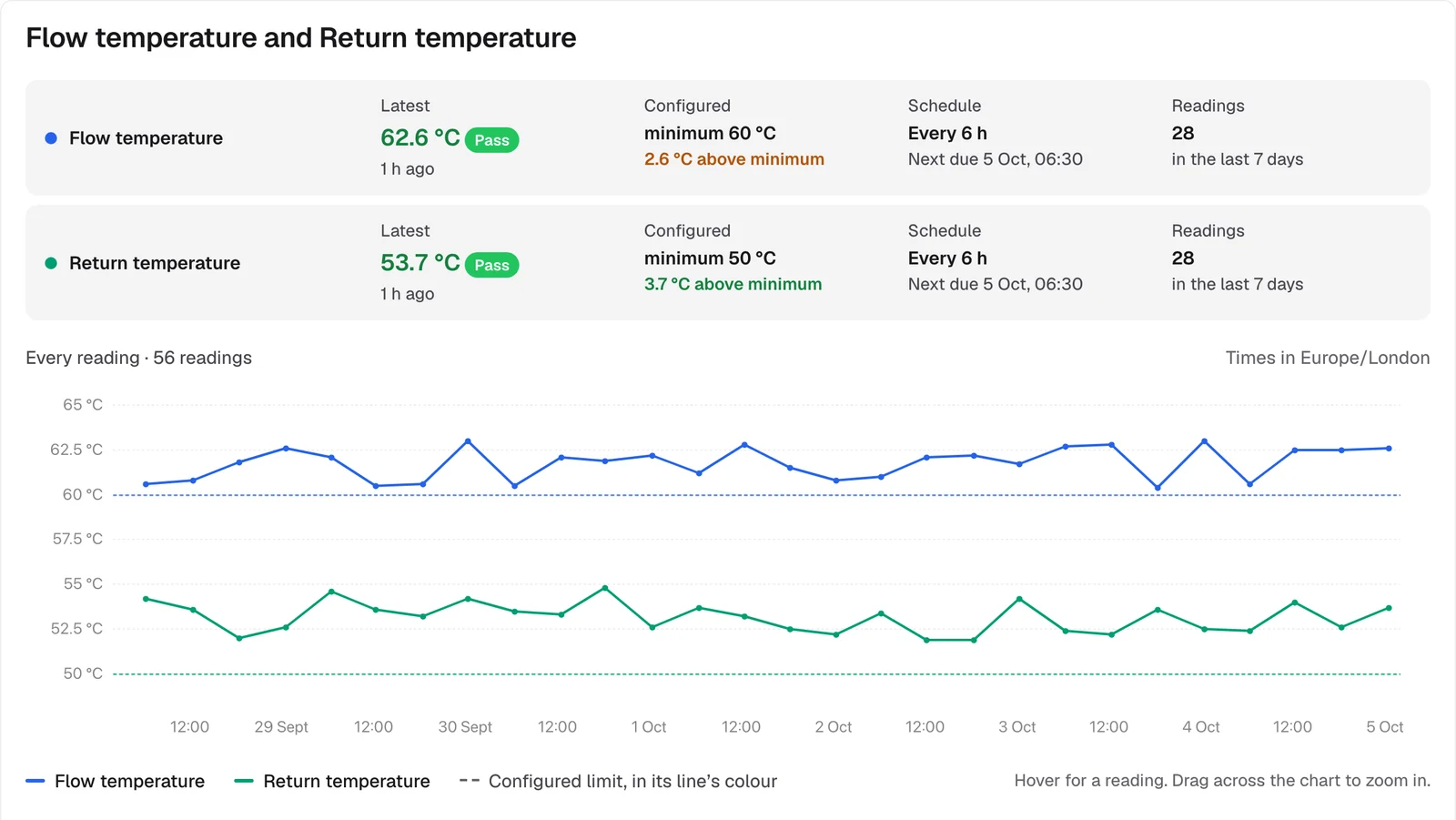
What you get
Disruptive Technologies
Connect your Disruptive cloud project, and its temperature sensors’ events arrive as readings.
LoRaWAN network servers
Forward uplinks from ChirpStack or The Things Stack. One connection covers every sensor on that server, whoever installed it.
A signed webhook for the rest
Anything that can make an HTTPS request can send readings, signed with a secret and timestamped, so forged or replayed requests are refused.
The same rules as manual readings
Sensor readings are checked against the same limits and open exceptions in the same way. Each one names the sensor that sent it.
Silent sensors are flagged
If a sensor misses its expected reports, administrators are told, and told again when it starts reporting.
Clear about what we can prove
For another supplier’s data we can show exactly what they sent and when. We can’t vouch for their sensors, and we don’t claim to.
Connecting a sensor
- 1
Register it
Add the sensor or connection on the site’s Sensors tab and copy the address it sends to.
- 2
Map its channels
Say which monitoring point each channel measures: a flow pipe, a return, a sentinel outlet.
- 3
Readings arrive
From then on its readings appear on the site, judged and recorded like any other.
See it with your own buildings.
Send us an outlet list and we’ll show you your sites in Ecohydro, with their checks set up.